
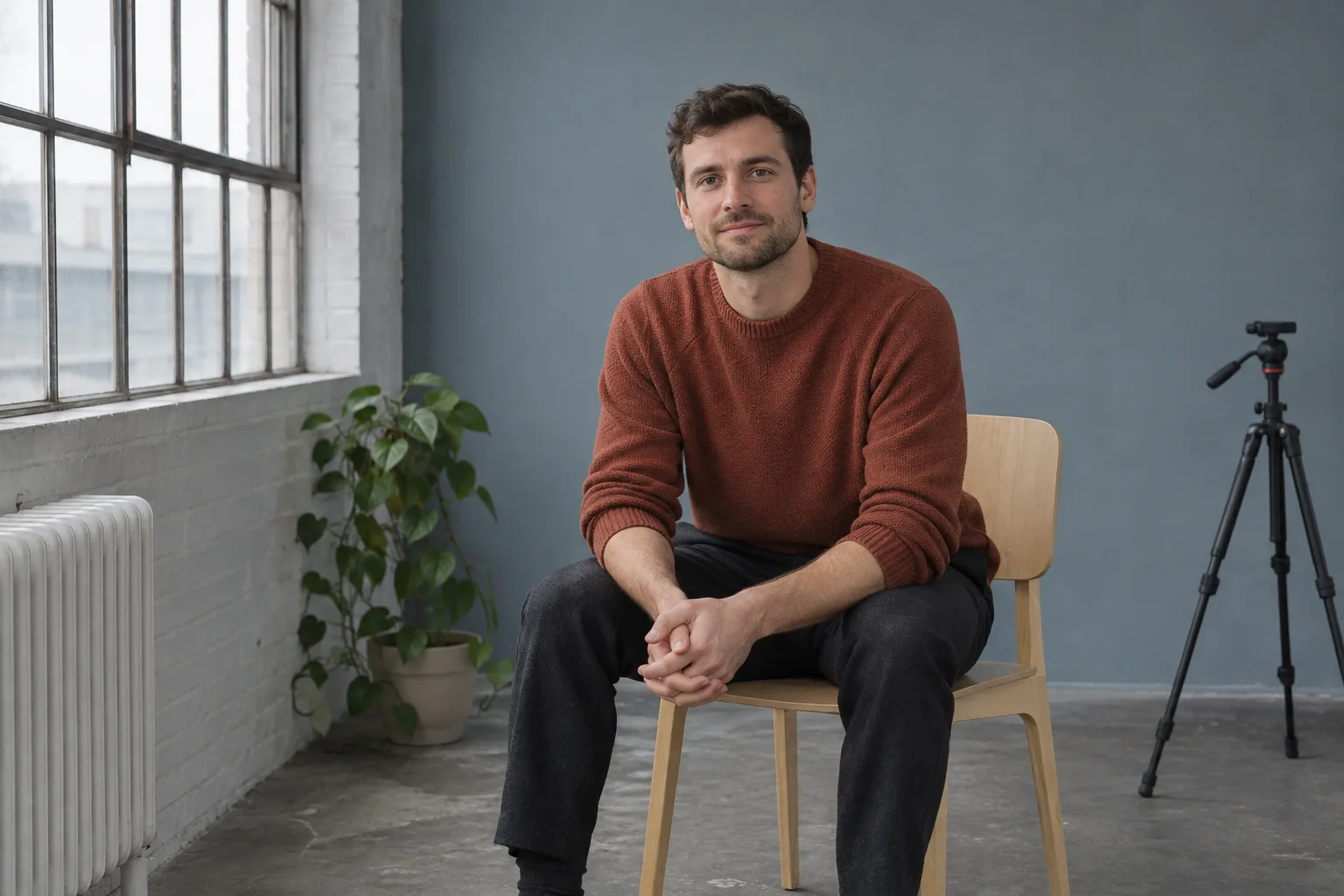
Choose a portrait background that fits the job
A portrait background helps the person in the picture make sense in a place. For a simple profile photo, that may mean a wall with few details. For a photo that introduces your work, a bookshelf or workbench might belong in the frame. Start by deciding what the picture needs to communicate before moving furniture or opening the camera. The point is to make the setting readable, not to turn an ordinary room into a studio.
This guide uses a phone or camera you already own, a safe place to stand and the light that is available. Make one or two test frames and choose the arrangement that works. The exercise is about the background, so keep the person, clothing and camera placement steady where practical. You can make the same decision without an app. MogRise is our publisher’s app and can help organize a small preparation task through its optional personal plans and Coach questions.
Decide what belongs in the frame
Write down the intended use in a few words. A small circular profile image may only need enough background to frame the shoulders. A portrait for a short introduction might benefit from one object that explains what you do. In either case, decide which details earn their place. A lamp, bright book spine or frame does not need to disappear merely because it is visible. Remove it if it interrupts the part of the image you want the viewer to see first.
Check for private material at this point. A shipping label, a document on a table or another person’s photograph can remain legible even when it looks small on the camera preview. Move those items or change the angle. It is easier to keep private details outside the frame than to rely on blurring them afterward. If another person is helping, agree on whether the test images will be kept or shared.
Start with the room you have
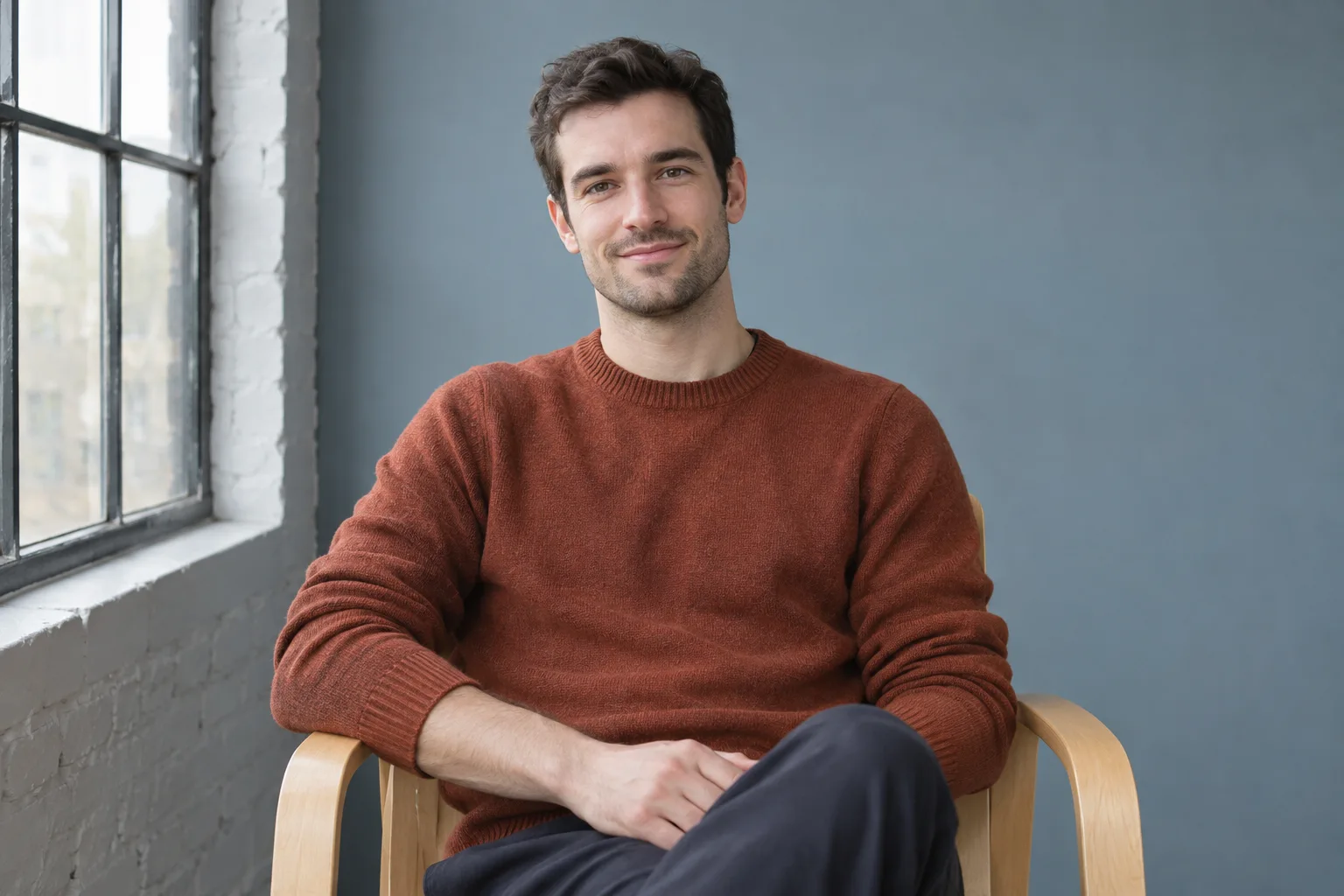
Look for a wall, curtain or section of a room that has enough space for both the subject and the camera. A plain wall can be useful because there are fewer edges to line up by accident. A wall does not have to be white. A muted colour, a consistent texture or a tidy corner can give the portrait context without making the setup complicated.
Look at where you can stand or sit safely. A comfortable position gives you time to compose the picture without balancing equipment near a doorway. Do not stack a phone on unstable objects to get a particular angle. A secure shelf or stable tripod can be enough. If you are moving a chair, make sure the floor is clear and that you can still move around it comfortably.
The wardrobe fit audit can help when you are choosing what to wear for the photo. Make that decision separately from the background test. A bright layer can change what you notice in the preview. Keeping the same outfit for both frames makes it easier to decide what difference the background itself made.
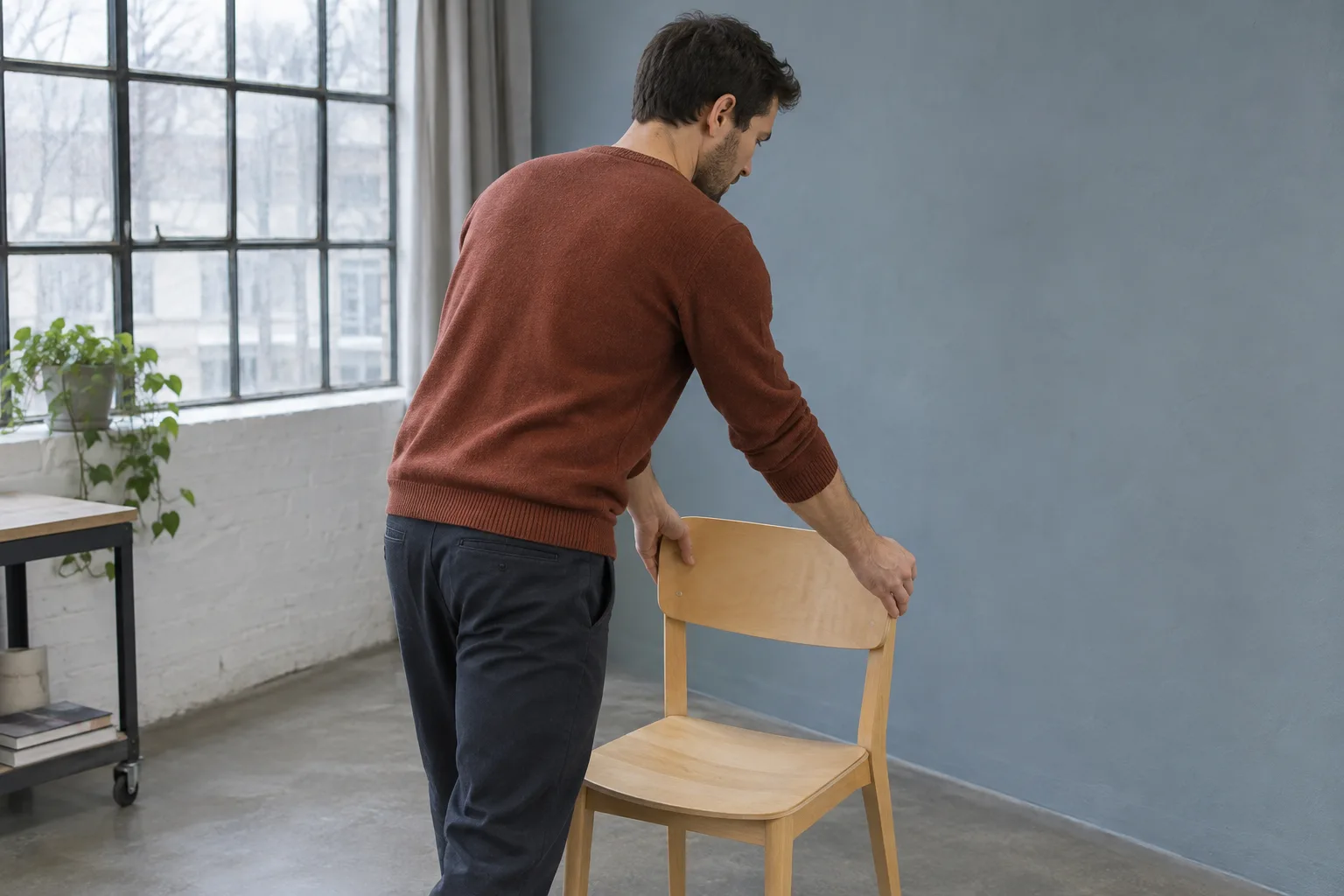
Leave space behind the person if the room allows it
Look at the distance between the subject and the background, as well as the distance between the camera and the subject. These are separate decisions. Moving the subject away from a wall can change how clearly the wall appears in the image and where a shadow falls. How much it changes depends on the camera, focus and lighting. A useful result does not require a particular number of steps.
Start with the available space. If the subject is close to the wall, try moving the chair or standing position a little forward while leaving the camera steady. Look at the new framing before taking a picture. If the move crops too tightly, adjust the setup once and note that the camera also changed. You can still choose a useful photo, even when the room does not allow a controlled comparison.
The Nikon portrait guide in German discusses composition and separating the person from the background. Use it for those principles with the equipment you already have.
A modest separation can also give you room to move a nearby object without moving the person. Keep walkways clear. If stepping forward puts the subject in awkward light or leaves no safe place for the camera, use the original position and simplify the background another way. The picture should work with the room rather than requiring you to force the room into a prescribed layout.
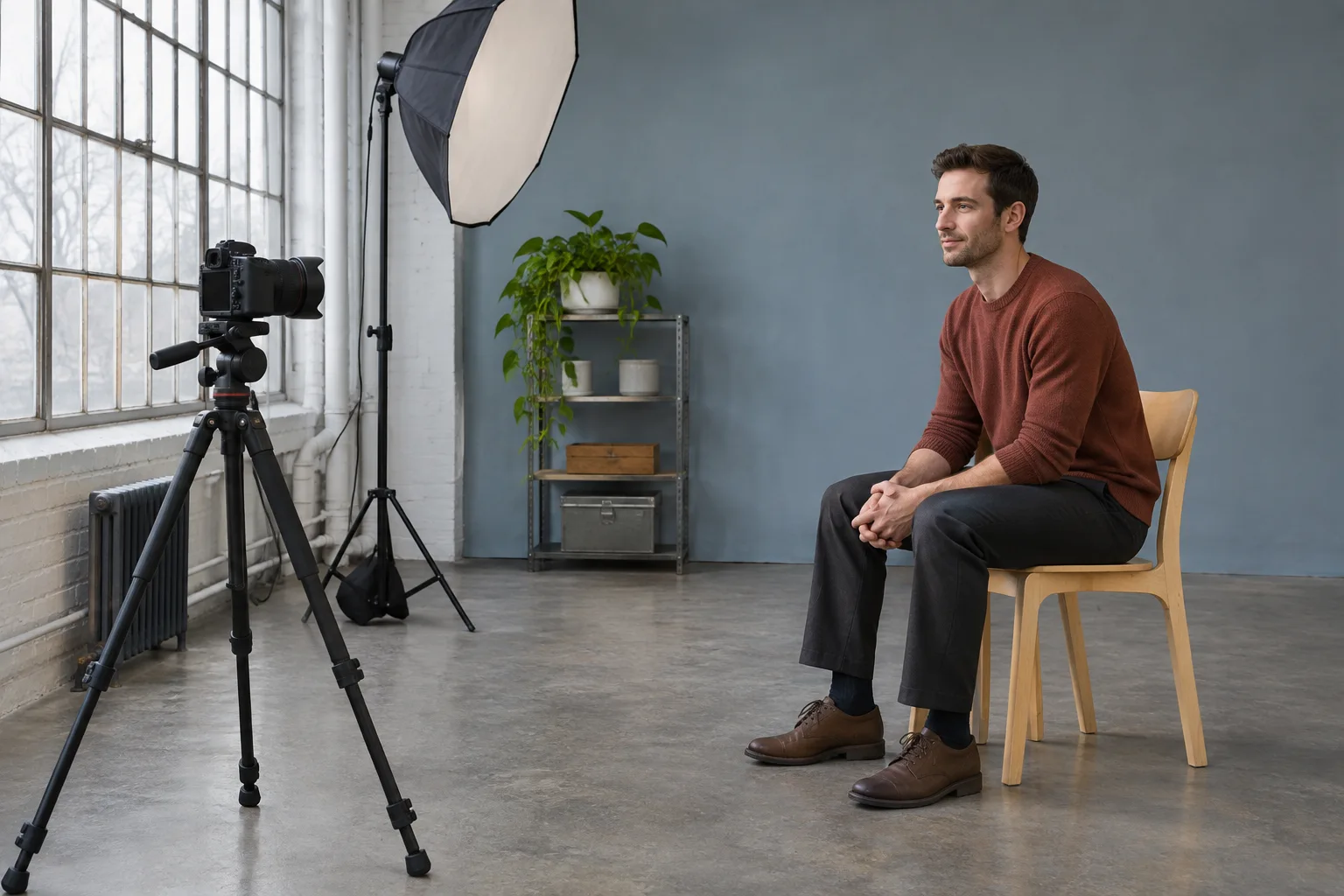
Check the edges and the light
Before pressing the shutter, look around the head and along the sides of the frame. A door frame can seem to run through a shoulder. A lamp can appear to touch the top of the head. A bright window at one edge may be the first thing you notice. Small changes in position can separate those lines. Try moving one object or rotating the camera slightly instead of clearing the whole room.
Look at the light on the person as you make changes. A clean wall is not helpful if choosing it puts the subject in harsh glare. Use the spot where the person is comfortable and where the light suits the purpose. A window can be a useful source of light when the subject faces it or stands at an angle. Avoid asking someone to stare into bright light to make the backdrop easier to use.
If your phone offers a portrait mode, check its effect on the hair, glasses and clothing edges before deciding to use it. Artificial blur can misread an edge. A background that works in the ordinary camera mode is already a valid option. You do not need stronger blur when a small change in the arrangement solves the issue.
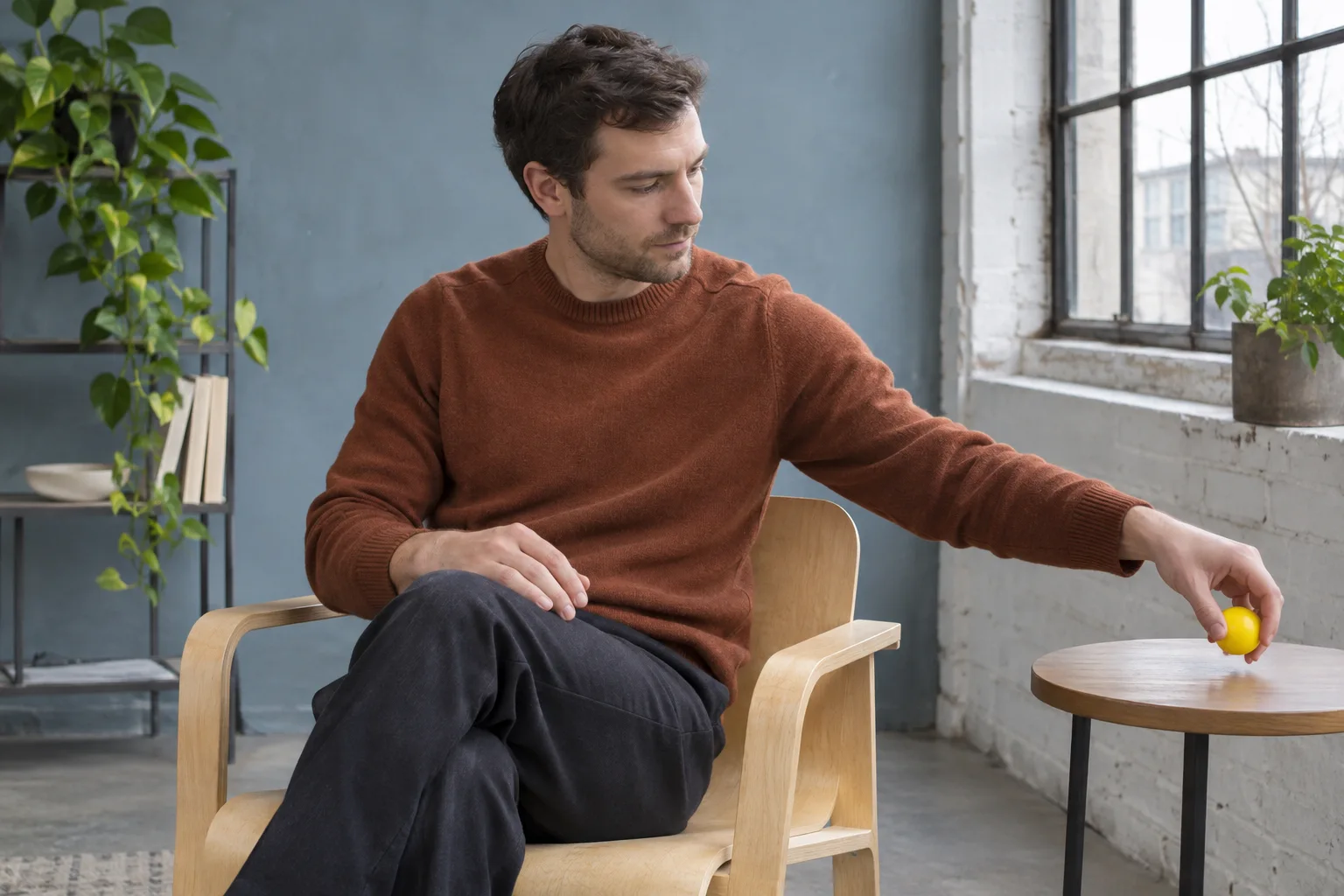
Compare one small change
Take a reference frame with the current arrangement. Change one thing you can name, such as moving a bright object out of the frame or increasing the distance from the wall. Keep the light and camera position steady when possible. Compare the two pictures at the size they will be used. A fine detail that matters on a large screen may disappear in a small profile image.
Ask a question about the image, such as whether a line crosses the shoulder or whether the background still gives enough context. Avoid comparing the person’s face or assigning a score. You are looking for a practical difference you can repeat. If both options work, choose the simpler setup or the one that takes less time to recreate.
Two usable frames can be enough. If you find yourself taking many pictures without learning anything new, put the camera down and return later if you still need a photo. The guide to tracking style progress without overthinking gives more context on choosing a clear purpose and ending a comparison when it has answered the question.
Organize the preparation in MogRise if useful
An optional personal plan in MogRise can help you organize a specific step, such as choosing a safe camera position before taking the photo. If you use the Coach, a question can help you think through what to prepare first. The app does not verify your lighting, measure the room or choose the better portrait background for you. Use the camera preview and your judgment for those decisions.
Keep the task concrete. A plan can say to check the edges of the frame and take a reference photo before moving one object. That is different from making portraits every day or repeatedly checking your face. Finish the preparation when you have a useful arrangement. A written note on paper can serve the same purpose if it is more convenient.
Choose the frame and put the room back
Review the selected image for distracting edges and information that should not be visible. If you plan to crop it, check the crop before sharing. Leave enough room for the actual use without cutting into the part you want to show. Confirm consent if another person appears in the photo. There is no need to save the trial frames if you do not want them.
Move any objects back if they belong where they were. Keeping a repeatable setup can be as simple as remembering which wall you used, where the chair stood and whether you turned off a lamp. Note only what will help you on a future occasion. You can then get on with the day without keeping the room in photo mode.
Questions about portrait backgrounds
Does the background need to be plain?
No. A simple wall is an easy starting point, but a familiar room can add useful context. Check whether the objects support the purpose and whether anything private is visible. One relevant detail is often enough.
What if I have very little space?
Use the clearest part of the room and look carefully at the edges. Moving one object or changing the angle slightly may help more than trying to create distance you do not have. Keep the camera stable and choose a position that is comfortable.
Should I buy a backdrop?
Start with what you already have. A wall or curtain may give you the result you need. If a specific project requires a different background, decide that after seeing a test frame at the size you will actually use.
Can I use a blurred background?
Yes, if it suits the picture and the edges look natural enough for your purpose. Try the ordinary camera mode too. A small improvement in the arrangement can be easier to repeat than a strong effect.